

The virtual jewellery store experience is changing how women shop for fine pieces.
You’ve probably tried scrolling endless pages, squinting at tiny photos, and still not knowing if a ring will fit your finger. That guess‑work feels wasteful and stressful.
A true virtual store lets you see sparkle in real time, zoom into cuts, and even try on a piece with your phone’s camera. It feels like stepping into a boutique from your sofa.
Cervin Blanc builds that feeling with Swiss‑designed pieces that shine bright on any screen. The site uses smooth 3‑D views so you can watch a diamond dance as you move your finger.
In this guide you’ll learn how to pick the right ring, compare settings, and make the most of virtual try‑on tools without any tech headaches. By the end you’ll feel confident to click “add to cart” and know you’ve made a lasting choice.
What matters most is trust. You want a store that shows true colour, clear certification, and easy return options. A good virtual experience removes doubt and lets you enjoy the sparkle before it even arrives.
Ready to see how a smooth virtual jewellery store can fit into your life? Keep reading and we’ll walk you through every step, from browsing to buying, so your next piece feels just right.
Understanding the Customer Journey in a Virtual Jewellery Store
When you walk into a virtual jewellery store, the path feels like a short story you control. First you spot a piece that catches your eye, then you dive deeper to see sparkle up close.
At this stage the site should let you rotate the gem, zoom in on the cut, and even try it on with your phone’s camera. Those tools shrink the guess‑work and make the experience feel real, not just a list of pictures.
Next comes the decision moment. You compare size, metal, and price while checking certification details and return options. A clear FAQ and easy‑to‑find warranty boost confidence, especially for wedding rings or a gift for a loved one.
One way to smooth the checkout is to partner with a digital design platform like Velio, which lets you preview how a custom engraving will look before you buy.
Another handy tip is to use a reliable printing service such as JiffyPrint Online for any care cards or certificates you want to include, so the unboxing feels as polished as the jewellery itself.
After you hit ‘add to cart’, the site should send a clear order summary, tracking link, and a note on how to care for the piece. Quick access to a cleaning guide or a live chat keeps the excitement alive and reduces any post‑purchase anxiety.
Personal touches like a virtual engraving preview or a custom box add a sense of ownership early on, turning a simple browse into a memorable experience you’ll want to share.
Choosing the Right 3D Visualization and AR Technologies
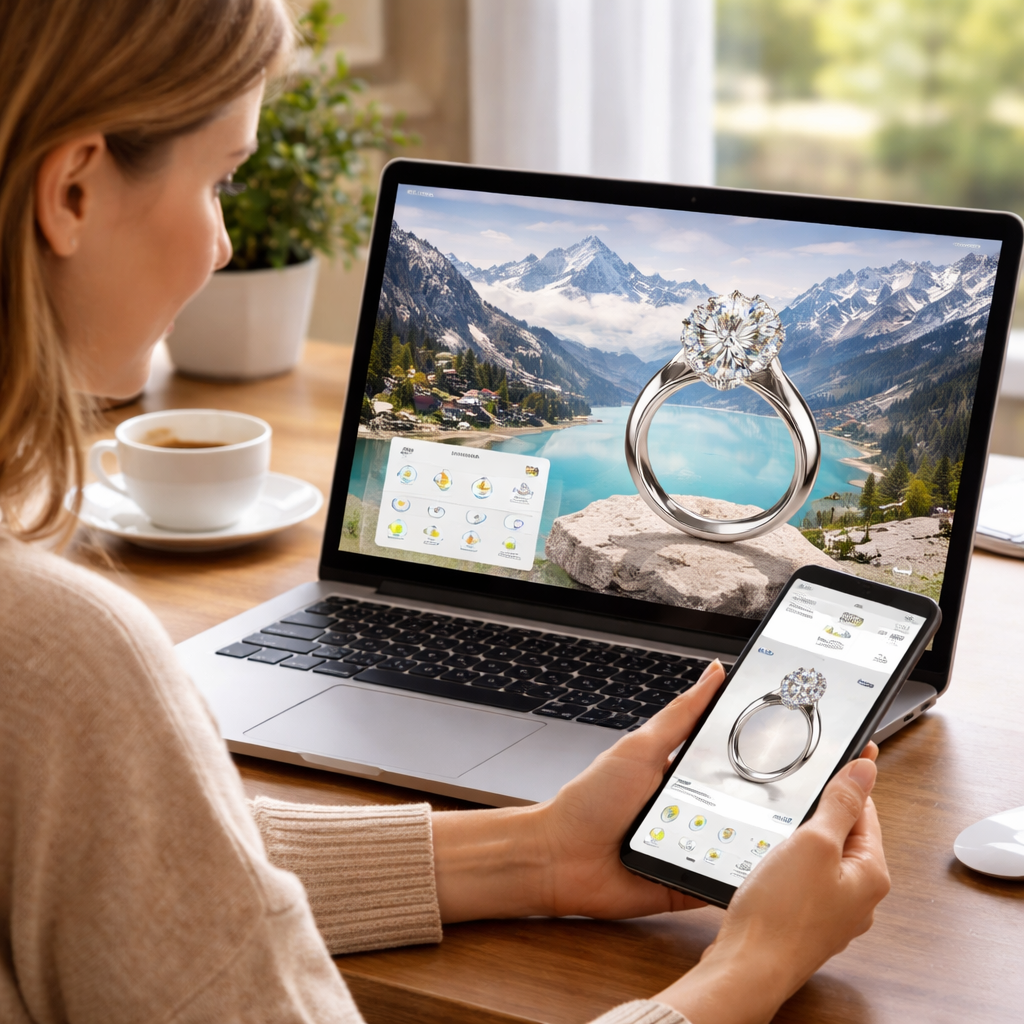
When you pick a tool, the whole virtual jewellery store experience can feel smooth or clunky. The right choice lets you spin a diamond, try it on your hand, and see true colour without lag.
First, think about speed. A slow model makes the sparkle look dull. Second, look at device reach. Not every shopper has the newest phone, so the tech should work on older iOS and Android models. Third, check how easy it is to update. New collections arrive often, so you need a system that lets you swap gems fast.
What if you could test a tool on a friend’s old phone before you commit? That simple test can save you weeks of re‑work later.
Common options
Here are three popular ways to bring 3‑D and AR to a jewellery site. Each has strengths and limits.
| Feature | Option | Notes |
|---|---|---|
| Browser support | WebGL | Runs in most modern browsers, no app needed. |
| High‑detail models | Unity WebGL | Great graphics, but larger file size. |
| Phone‑based AR | ARKit / ARCore | Uses built‑in sensors for realistic try‑on. |
If you care most about quick load, WebGL is a safe bet. If you want photorealistic sparkle and can host bigger files, Unity WebGL works well. For true “see it on your hand” feel, ARKit (iOS) and ARCore (Android) give the most natural view.
Finally, match the tool to your audience. Women in Switzerland often browse on desktop during work breaks, while UK shoppers may use a phone after work. Pick the mix that covers both habits and the virtual jewellery store experience will feel personal, not forced.
Take a moment to list your top three needs, then map them to the table. You’ll have a clear path to the tech that lets every ring shine.
Designing an Engaging Store Layout and Navigation
A cluttered layout kills the virtual jewellery store experience. You want shoppers to feel like they’re strolling through a boutique, not lost in a maze.
Clear hierarchy
Show a bold hero image of a signature piece, then three main categories – rings, necklaces, earrings. Keep the list short so eyes jump straight to the choice.
Smart navigation
Use a sticky top bar that stays visible while you scroll. Add a simple “Shop All” link, a “Collections” drop‑down, and a “Try‑On” button that opens AR. Icons help quick clicks – a ring icon for rings, a heart for wish‑list.
Effective filters
Let users filter by metal, stone, price, and size. Show the panel on the left for desktop, hide it behind a “Filters” tap on mobile. Highlight active choices in a soft colour so shoppers know what’s applied.
Responsive design
Swiss shoppers may browse on a laptop at lunch, while UK buyers often use a phone after work. Make the grid shift to two columns on tablets and one column on phones. Touch targets need at least 44 px so fingers don’t miss a tap.
Consistent branding
Every page should echo Cervin Blanc’s Swiss‑designed look – clean fonts, muted colour palette, and plenty of white space. When the style stays the same, the experience feels trustworthy.
Quick checklist: limit top‑level menu to three items, add a sticky bar with a clear AR call‑to‑action, test filters on desktop and mobile, keep visual style uniform. Follow these steps and your store will guide shoppers smoothly from browse to buy.
Optimising Product Pages for Detail, Trust, and SEO
A product page should feel like a mini‑showroom you can explore from any device.
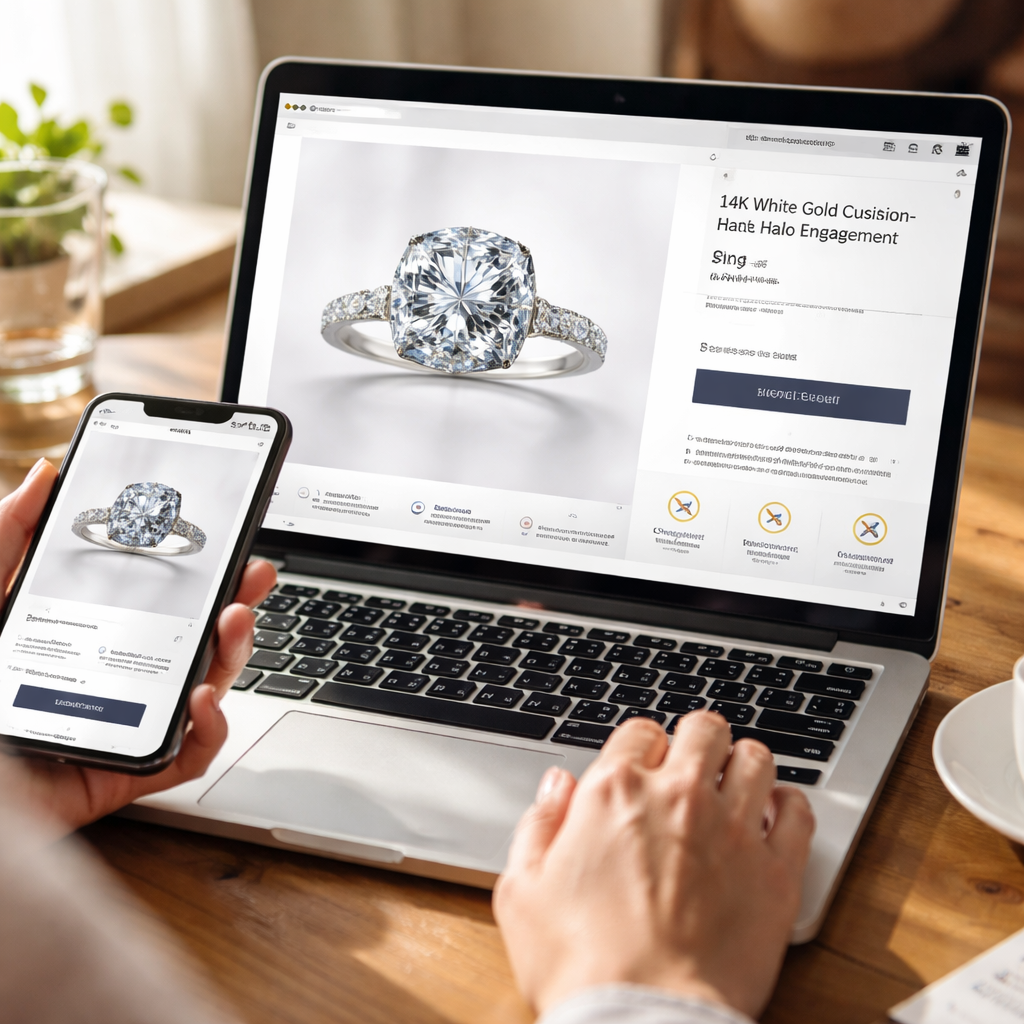
Show every angle of the ring with high‑res 3‑D spins, close‑up zoom, and a short video that catches the sparkle. A clear metal‑type label and a stone‑cut description let shoppers picture the piece without guessing.
Trust signals that reassure
Add a certification badge right under the price so the gem’s quality is obvious. Show a short note about the 30‑day return policy and free shipping for Swiss and UK orders. Real customer photos, not stock shots, make the page feel lived‑in.
One quick tip: place a “Made in Switzerland” tag near the hero image. It taps into the brand’s heritage and lifts confidence.
SEO basics for product pages
Use the product name in the page title and in the first paragraph. Include natural phrases like “engagement ring with round cut diamond” and “gold wedding band” that match what shoppers type.
Write a concise meta description under 160 characters that mentions sparkle, free returns, and Swiss design. Add alt text to every image that describes the metal, stone, and style.
Finally, keep the URL short and include the key term, for example /engagement-ring-round-diamond. Clean URLs help both users and search bots.
Test the page speed on mobile and desktop. If load time passes two seconds, shoppers stay; if it lags, they leave.
Show a brief FAQ under the specs to answer common doubts about sizing or care.
Integrating Secure Checkout and Personalised After‑Sales Services
When the checkout feels safe, the whole virtual jewellery store experience lifts. A clear lock icon, a short note about PCI‑DSS compliance, and a one‑page form keep doubts at bay.
Secure payment options
Offer the major cards and local methods like Swiss PostFinance or UK PayPal. Show the logos next to the “Buy now” button. It tells you “this is legit” without extra reading.
Try a wrong CVV and see the error instantly. Quick feedback stops frustration early.
Clear return and warranty info
Put a line about a 30‑day free return and a lifetime warranty under the price. Use plain words – “If it doesn’t fit, we’ll send a new one, no charge.” That can turn a wobble into a click.
After the order, send a personalised email that greets the buyer by name and links to a care guide. A tip like “store your ring in a soft pouch” feels like a hand‑off from a trusted adviser.
After‑sales touch points
Schedule a reminder after two weeks: “How does your new ring feel? Need a size tweak?” Offer a free polishing session for the first year. Small gestures keep the brand top of mind.
Offer live chat or a video call with a jewellery expert. When you can ask a question and get a quick reply, the virtual store feels as real as a boutique.
Put these steps together and the checkout moves from a hurdle to a confidence boost, while after‑sales care turns a one‑off purchase into a lasting relationship.
Conclusion
The virtual jewellery store experience isn’t a nice‑to‑have – it’s the bridge between curiosity and confidence. When the 3‑D view feels real, the checkout feels safe, and the after‑sales touch feels personal, shoppers move from wonder to ownership.
So here’s a quick checklist: test the AR try‑on on the phone you use most, double‑check that the return policy is plain and visible, and add a post‑purchase email that points to care tips. A simple reminder after two weeks can turn a first purchase into a lifelong relationship.
If you’re looking for fresh inspiration, check out Luxury Jewellery Gift Ideas for Anniversary – it shows how thoughtful details boost the whole experience. For the tech side, a partner like Coherence Pass can help you design seamless try‑on and checkout flows that feel as smooth as a polished band.
FAQ
How does a virtual jewellery store make me feel more confident about buying online?
A virtual jewellery store lets you see the piece from every side, zoom in on sparkle, and even try it on with your phone. When you can move the ring around and watch how light hits it, doubts fade. You also get clear certification badges and a simple return note, so you know the shop stands behind the gem. That mix of visual proof and trust cues builds real confidence before you click buy.
What should I look for in product photos and 3-D views?
Look for high-res photos that show the metal, stone and setting from several angles. A 3-D spin that loads fast lets you tilt the piece and see how the cut catches light. The colour should match the real gem—no overly bright filters. Also check for a badge that says the images are verified by the jeweller, and a short note on how the size is measured.
Are AR try-on tools reliable on any phone?
Most modern phones support ARKit on iOS and ARCore on Android, so the try-on works on many devices. Test it on the phone you use most - the model should detect your hand and place the ring at the right scale. If the ring looks too big or small, use the built-in slider to adjust. A good virtual store will tell you the minimum OS version needed, so you know if your phone can handle it.
How can I be sure the return policy is clear and fair?
Read the return section before you add anything to the cart. It should say how many days you have - 30 days is common - and whether you pay for shipping back. Look for a simple form that lets you choose a reason and prints a prepaid label. A clear policy also mentions if the jewellery can be exchanged for a different size, which saves you a call later.
What security signs tell me checkout is safe?
A safe checkout shows a lock icon and the URL starts with https. You’ll also see logos of trusted payment brands like Visa, Mastercard or PayPal. Some sites add a short note that they follow PCI-DSS standards, which means card data is encrypted. If you get an error message right after typing the CVV, that’s a good sign the system is checking the info right away.
What after-sales support keeps my new piece in good shape?
After you get the piece, the store should send a personalised email with care tips - how to clean gold, store the ring, and when to check the setting. Some brands offer a free polish service in the first year. A live chat link or a phone number for a jeweller makes it easy to ask about sizing or repairs later. Those touches turn a one-off purchase into a lasting relationship.